The only Google Maps + Claude $10k+/week method you need
There is a quiet shift happening in how people sell services to local businesses, and most of the people doing it well are not posting about it on Twitter.
The old playbook was lead lists, cold calls, generic templates, weeks of follow-up to land one client.
The new playbook flips that completely. You walk into the first conversation already holding a finished version of what they would buy, custom built, branded to them, with a video showing it in action.
This guy literally made $50k selling sites to the local business, and I'll show how to make it even better.
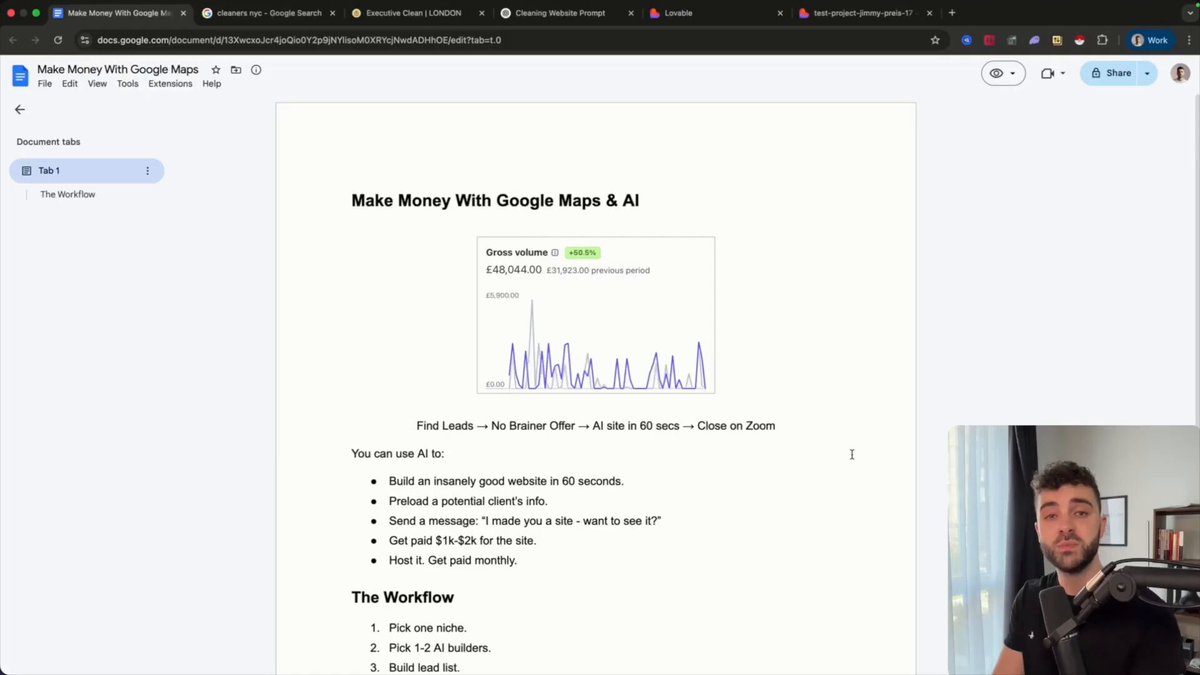
The prospect does not need to imagine anything. They are looking at it. The decision becomes whether they want this specific thing, not whether they want to start a project.
That changes everything about how the conversation goes, and that is what this method actually does. Four tools, one workflow, the entire pre-sales process compressed into an afternoon.
Here is the full breakdown.
The stack that you need to print:
> Google Maps finds local businesses with bad or missing websites. > Claude writes personalized outreach and site briefs in one prompt batch. > Lovable builds a working hosted landing page mockup in 5 minutes. > Higgsfield generates a 10-second cinematic walkthrough video of the mockup.
The prospect opens your message and sees a finished version of what they would buy.
They are not deciding whether to start a project, they are deciding whether to buy this specific one, that changes the whole conversation.
Step 1: Find the Right Leads
Pick a niche where the owner is not technical and the website is critical to revenue. Best ones: roofers, landscapers, plumbers, fence installers, chimney repair, HVAC, dental practices, salons, law firms, real estate agents, photographers, event venues.
Avoid: e-commerce, franchises, anything national, anything where the owner is not the decision maker.
Open Google Maps and hunt.
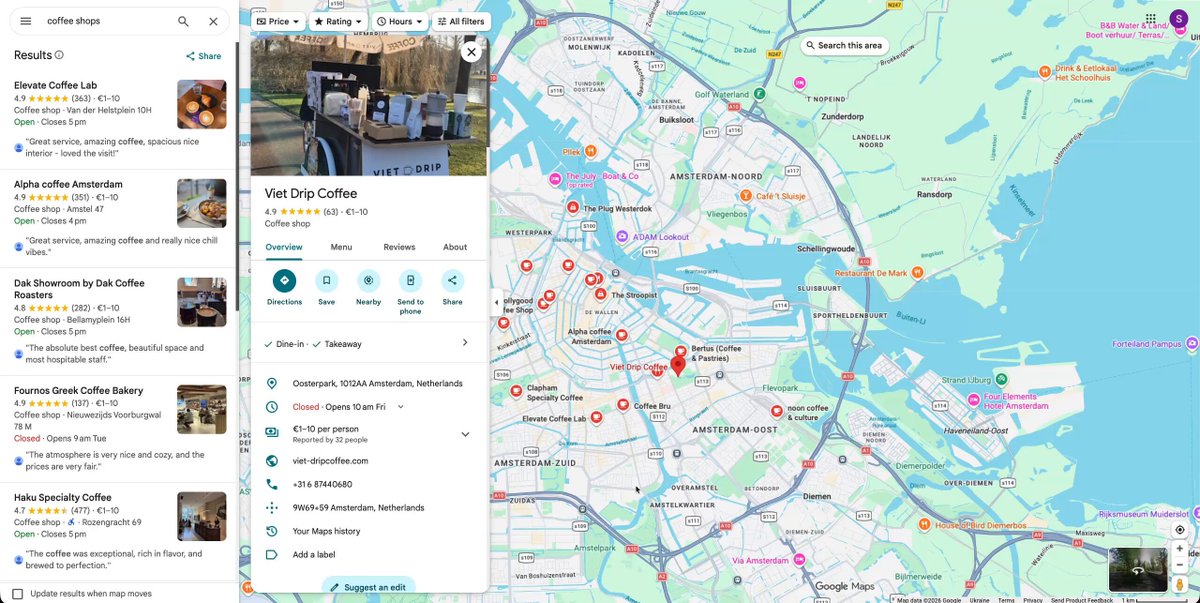
Type a narrow query, not "dentists in Austin," but "cosmetic dentists in West Austin." The narrower the search, the better the leads.
Skip the top three or four results. Those are the businesses crushing it already, hundreds of reviews, modern site, no urgency to change anything. The leads you want sit just below them.
Look for the sweet spot pattern:
-
Established business, 5+ years on the map
-
Low review count, under 50
-
Either no website link in their profile, or a "Website" button that opens something built in 2014
-
Solid reviews despite the bad online presence
These are the gold mines. Owners who have been crushing it offline for years and never got around to fixing the online side. The gap between what they have and what you can show them is dramatic, which is exactly why the pitch lands.
Click into each one, copy the basics into a doc: business name, current website (or "none"), phone number, location, and one specific detail you noticed (a standout review, a unique service, something on their profile that makes them them).
Aim for 25-30 leads from a single niche in one city. Once you have the list, hand it to Claude to enrich and structure:
Here is my raw list of [niche] in [city] from Google Maps.
For each business, add: - A one-line read on what is wrong with their current online presence - A unique angle I could use in outreach based on what I noted - The specific gap a new website would close
Format as a clean markdown table with the original columns plus your additions. Keep it sharp, no buzzwords, no fluff.
Here is the list: [paste your list]
You now have a structured prospect list with personalized hooks for every single business, ready to feed into Step 2.
Step 2: Run the List Through Claude
One prompt, three deliverables per business:
You are a senior local marketing strategist. For each business in the list below, generate three deliverables:
-
Diagnosis (50 words): what is wrong with their current online presence and what revenue is leaking because of it. Be concrete, no buzzwords.
-
Site brief (100 words): hero angle, key services to highlight, tone that fits the industry, the call to action that will convert, one design choice that sets them apart from local competitors.
-
Cold message (under 70 words): opens with one specific observation about THIS business, references their actual service or location, ends with a soft ask to see a mockup. Sound like a real person who looked them up. No corporate language. No mention of AI tools.
Format as a clean table I can paste into a CRM.
Here is the list: [paste CSV]
Tell Claude what to avoid (buzzwords, corporate language, AI mentions) explicitly. The output should sound like a different person wrote each row.
Step 3: Build Mockups in Lovable (Only for Top Leads)
Do not build for all 30 leads, build for your top 5-8.
Pick the leads with the most specific diagnoses, the highest-rated businesses, or the dramatic before/after potential. These are the ones who will reply.
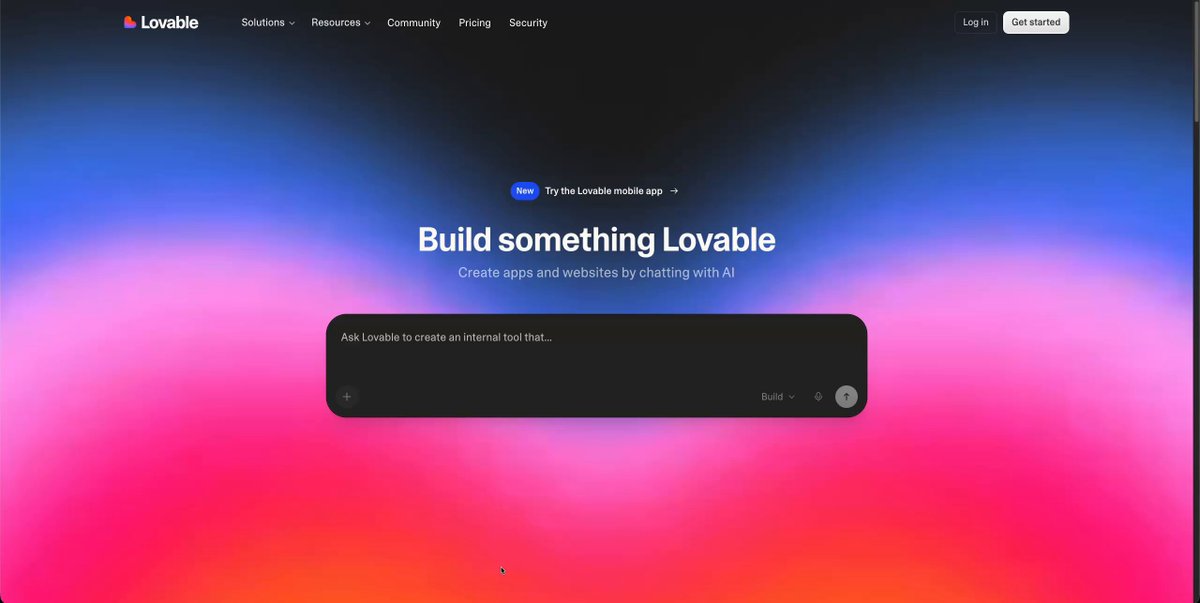
Lovable prompt template:
Build a landing page for [business name], a [specific business type] in [city].
Audience: [describe specifically]. Brand feel: [3 specific adjectives]. Hero focus: [angle from Claude's brief].
Sections in order: 1. Hero with primary CTA 2. Three core services 3. About with credibility positioning 4. Social proof / testimonials placeholder 5. Final CTA section
Design: [specific color palette, not "modern"], generous whitespace, mobile-first, subtle scroll animations, no flashy effects.
Tone: [specific to industry].
Avoid: AI-looking gradients, generic stock photos, "Welcome to" headlines, "Your trusted partner" copy.
Hit publish. You now have a live URL. Save it.
For everyone else on your list, the message and mockup-on-request offer is enough. Build only for the prospects most likely to convert.
Step 4: Generate Demo Videos in Higgsfield
Static screenshots get ignored. A 10-second video of their site in motion gets replied to.
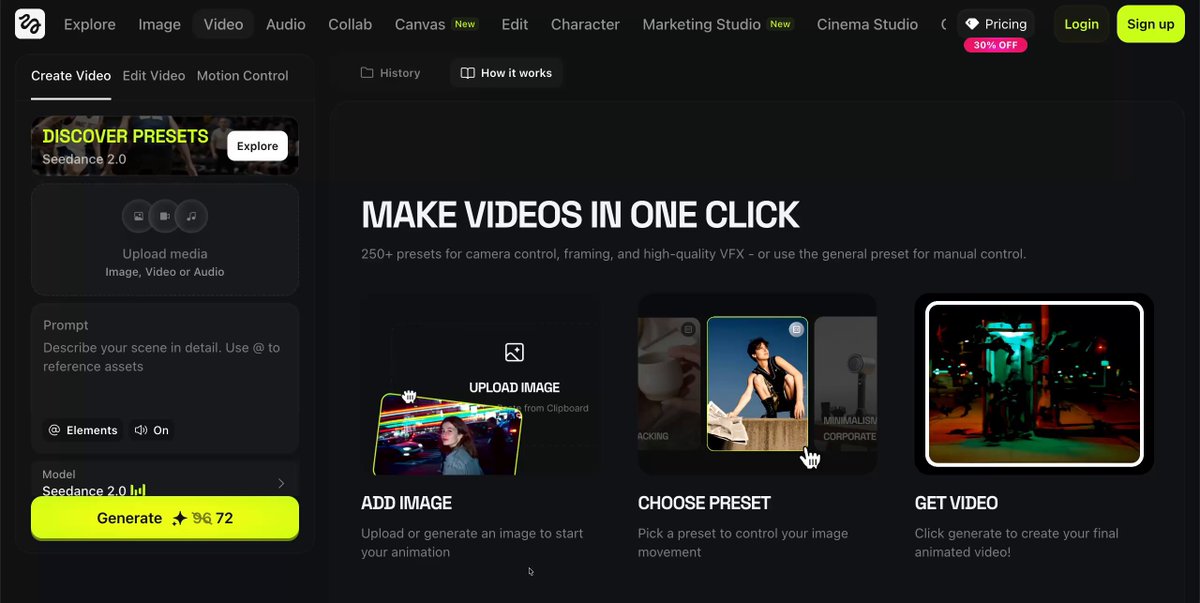
Upload 3-5 screenshots from your Lovable mockup. Hero, services, about, social proof, CTA.
Higgsfield prompt:
Create a 10-second cinematic walkthrough using these landing page mockup images.
Camera: slow zoom on hero (2 seconds), smooth pan to services, gentle ease into about, end on final CTA with soft fade.
Style: premium, cinematic, professional. Subtle motion on text. Soft depth of field. Modern editorial feel.
Format: 9:16 vertical, 1080x1920.
Avoid: dramatic zooms, fast cuts, aggressive color grading.
Vertical format matters because most prospects open emails on their phones. Vertical plays inline like content, horizontal feels like an attachment.
Step 5: Send the Outreach
The rule that breaks 90% of outreach: do not mention AI, Claude, Lovable, or any tool you used. The prospect cares about results, not your stack. The moment you say "I built this with AI," you sound like every other AI cosplayer in their inbox.
The cold message format:
Hey [first name], built you a quick site mockup based on what I saw on your Google profile.
[One specific observation that proves you actually looked.]
10-second walkthrough: [Higgsfield video link] Full preview: [Lovable URL]
If it looks close to what you would want, happy to chat. If not, no worries.
[Your name]
Under 70 words. The video sells. The preview link proves you did the work. The soft close removes pressure.
Subject lines that work: "Built something for [business name]," "Quick mockup for [business name]," "Saw your reviews, made you something."
Subject lines that get deleted: "Quick question," "Improving your website," "Free consultation."
Channel by niche:
-
Email: most niches default
-
SMS: contractors, trades, plumbers
-
Instagram DM: salons, restaurants, visual businesses
-
LinkedIn: law firms, financial services, B2B
-
Phone calls: contractors, cleaners, anyone older demographic
Follow-ups: if no reply after 4 days, send one. If no reply after another 7 days, send a second from a different angle. Then archive.
For follow-ups, ask Claude:
Write two follow-ups for this prospect, both under 50 words. Message 1: reference a specific gap in their current site. Message 2: reference what a competitor is doing better. Same tone as the original. No AI mentions.
What Actually Closes the Deal? 💸
The mockup is the icebreaker. The Zoom call is what closes.
When a prospect replies positive, get them on a 10-15 minute Zoom. Walk through the mockup with them on screen. Ask what they would change. Take notes. Quote them on the spot.
By the time they are on the call, they have already imagined themselves with the new site. They are not deciding whether to buy a website, they are deciding whether to buy this specific website. Close rate from positive reply runs 30-50%.
The math, why it works?
Send 30 personalized sequences this weekend. 10-15% reply rate. 3-4 positive replies. 30-50% close rate.
That is 1-2 deals per weekend.
Monthly model: $500-1,000 in new MRR every weekend. Two weekends a month = $2,000-4,000 new MRR.
Six months = $12,000-24,000 monthly recurring.
One-time model: $2,500-10,000 cash per weekend.
Now it's time to lock in.

Time to Execute
First batch (learning the tools): 4-6 hours for 5 polished mockups and videos.
Once dialed in: 80 minutes total for a 30-prospect outreach sequence. 5 minutes Claude, 30 minutes Lovable on top 5, 15 minutes Higgsfield, 30 minutes sending.